
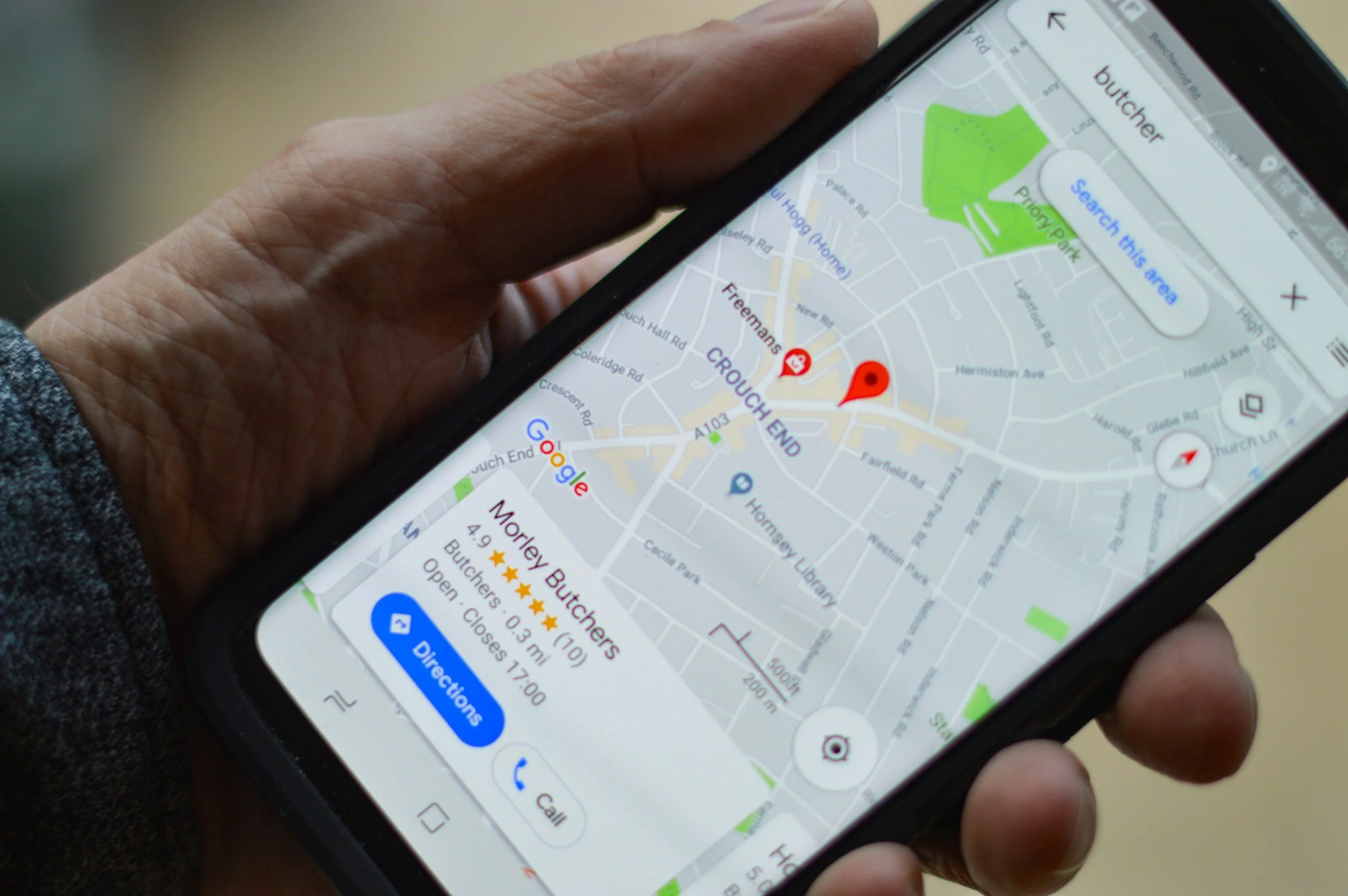
When someone nearby types "dentist near me" or "cosmetic dentist" into Google, they rarely scroll far. They look at the map, compare three or four clinics, check the stars and the photos, and call or message the one that looks like the best fit. Local SEO is the work that decides whether your clinic is one of those three or four.
This guide is for clinic owners and practice managers. It covers what Google looks at, how to set up your Google Business Profile (the listing many people still call GMB), how to turn reviews and treatment pages into rankings, and how to tell whether any of it is working. It applies whether you run a general practice, a cosmetic clinic or a specialist referral practice.
What local SEO means for a dental clinic
Local SEO is the part of search optimisation that helps your clinic appear for searches with a place attached: "dentist in Leeds", "emergency dentist open now", "veneers near me". Those searches trigger Google's local results, the map and the short list of businesses under it, often called the map pack or local pack.
Google has said that local results are based mainly on three things: relevance (how well your profile matches what the person searched), distance (how close you are to them or to the area they named) and prominence (how well known and trusted you appear, from reviews, links and mentions across the web). You can't change distance. You can improve the other two, and most clinics have plenty of room to do it.
Start with your Google Business Profile
For most clinics, the Google Business Profile (GBP) does more for local rankings than any other single asset. Check these basics first:
- Name. Use your real clinic name, exactly as it appears on your sign and website. Adding keywords such as "Best Cosmetic Dentist London" to the name goes against Google's guidelines and can get a profile suspended.
- Primary category. Pick the one that describes your main business, for example "Dentist" or "Dental clinic", and add secondary categories only for what you genuinely offer, such as "Cosmetic dentist", "Emergency dental service" or "Orthodontist".
- Services. List the treatments you actually provide and write a short, plain description for each.
- Hours. Keep regular and holiday hours accurate. Patients who arrive at a closed door leave a review about it.
- Photos. Real photos of your reception, treatment rooms, building entrance and team. Patients use them to judge whether they'll feel comfortable.
- Booking and contact links. Send "Website" to the most useful page, and add an appointment link if you have online booking.
- Posts and updates. Short, regular posts about open slots, new services or seasonal information keep the profile active. Treat them as information for patients, not as another place for adverts.
If you have more than one location, each one needs its own profile and its own page on your website. Don't create profiles for addresses where patients can't actually visit you.
Reviews: the part of local SEO patients can see
Reviews affect both ranking and the decision to call. Aim for a steady flow rather than a one-off push.
- Ask every patient who had a good visit, soon after the visit, with a direct link to your review page. A text or email works better than a poster at reception.
- Reply to every review, positive or negative, in a calm and professional way. Don't confirm that someone is a patient or discuss their treatment in a public reply.
- Never offer discounts or gifts in exchange for reviews, and don't screen which patients you invite. Google's policies prohibit both.
- Read the words patients use. If they keep mentioning "gentle", "explained everything" or "nervous patient", use those phrases on your website too.
Make your website say where you are and what you do
Google needs your website to confirm what your profile says. The essentials:
- Consistent details. Your clinic name, address and phone number should be written the same way on your site, your profile and any directory that lists you. Small differences add confusion.
- One page per treatment. A single "Services" page rarely ranks for anything. Separate pages for implants, aligners, veneers, whitening, emergency care and check-ups each give Google and patients a clear answer. We cover how to build them in one landing page per dental treatment.
- Local context. Mention the town or neighbourhood naturally, add directions and parking or public transport information, and say which languages your team speaks. If you serve several towns, write a genuinely useful page for each one, not copies with the name swapped.
- Mobile first. Most local searches happen on a phone. The call button, the address and the booking link should be visible without scrolling or pinching.
- Structured data. Marking up your site with the schema.org "Dentist" type helps search engines read your details. It supports good content, it doesn't replace it.
Cosmetic dentistry: win the searches that carry weight
Searches such as "veneers near me" or "smile makeover" come from people comparing clinics carefully, so they look at proof before they call. For cosmetic dentist local SEO:
- Give each major treatment its own page: what it involves, who it suits, how many visits it takes and how the price is worked out.
- Show your dentists, their training and the way you plan treatment. People are choosing a person as much as a clinic.
- Use treatment photos only with written consent and only where your country's advertising rules allow it. Rules differ across the UK, the US and Germany, and our before-and-after photo protocol is a good starting point.
- Make sure your secondary Google categories and services list match the treatments you want to be found for.
General dentistry: win on convenience
For family and general practices, patients often choose on practical grounds:
- Say clearly whether you are accepting new patients, and which insurance, public scheme or payment plans you work with.
- Create pages for check-ups and hygiene, emergency appointments, children's dentistry and nervous patients.
- Keep opening hours, evening or weekend sessions and same-day emergency availability prominent on both your profile and your site.
- Make it easy to ask a question outside opening hours with a short form or a chat that replies at once.
Directories and mentions
Your profile and site are the core. Beyond them, accurate listings in the places patients and Google already trust add to your prominence: Bing Places, Apple Business Connect, your national regulator or health service directory, and the dentist-specific directories in your country, such as Healthgrades or Zocdoc in the US or Jameda in Germany. Local news mentions, community sponsorships and links from nearby businesses help too. Quality matters more than quantity, and it's worth keeping the list short enough that you can keep every listing current.
How to measure local SEO
Rankings change by the street, so a single "rank 3" screenshot tells you little. Measure outcomes instead:
- Google Business Profile performance: calls, direction requests, website clicks and booking clicks per month.
- Google Search Console: which searches show your site, how many people click and which pages they land on. Our guide to Search Console for dental clinics shows what to look for each month.
- Enquiries by source: ask every new patient how they found you and record it, and track calls and form submissions from the profile and the site.
- A simple monthly check: search your own main treatments from a phone in a few nearby areas and note where you appear.
Profile fixes can show an effect within weeks. New treatment pages and reviews build up over several months. How quickly depends on how strong the clinics around you are, and nobody can honestly guarantee a position.
Mistakes we see most often
- Keywords added to the profile name.
- A "main" location page copied for ten towns with only the name changed.
- Old or missing hours, a phone number that goes to a dead line, or a website link that points to a slow homepage.
- Asking for reviews in a burst and then not at all.
- Ignoring the Google profile because "we run ads". Ads and local SEO support each other: strong pages and reviews make ads convert better.
Where an agency can help
You can do a lot of this yourself, and the basics are worth doing whatever you decide. If you'd rather hand it over, our dental SEO service covers the profile, treatment pages, reviews and tracking, and it sits next to the rest of our dental marketing services, such as ads and fast replies to enquiries. We've worked only with dental clinics since 2017.
Book a free call and we'll look at your profile, your reviews and what clinics around you rank for.
Frequently asked questions
What is local SEO for dentists?
Local SEO for dentists is the work of improving your Google Business Profile, website and reviews so your clinic appears in Google Maps and local results when people nearby search for a dentist or a specific treatment.
Is GMB the same as Google Business Profile?
Yes. Google My Business (GMB) was renamed Google Business Profile. People still say GMB, but the free listing you manage today is the Google Business Profile, edited through Google Search, Google Maps or the Business Profile manager.
How long does local SEO take for a dental clinic?
Fixes to your profile, such as categories, photos, hours and services, can have an effect within weeks. Reviews, treatment pages and local mentions usually take a few months to build up. The time depends on competition in your area, and no one can guarantee a ranking.
Do reviews really affect local rankings?
Reviews are one of the signals Google uses to judge how prominent and trusted a business is, and they are also what patients read before they call. A steady flow of genuine reviews, with replies from you, helps both rankings and bookings.
Can I do local SEO myself or do I need an agency?
Many of the basics, such as completing your profile, asking for reviews and keeping details consistent, are manageable in-house. An agency helps most with treatment pages, technical fixes, tracking and the ongoing monthly work.
Read this article in Bulgarian: Google бизнес профил за зъболекари: пълно ръководство